

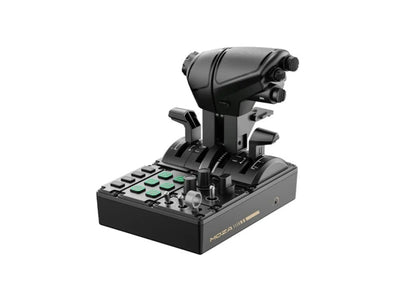

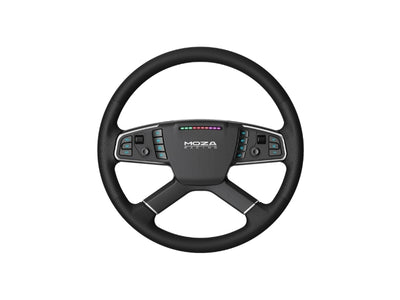
















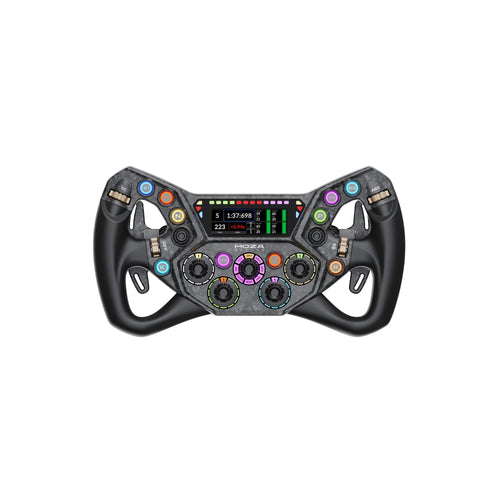





Moza Racing MFY Pro Yoke Handle
- Built-in touchscreen: 4.3-inch color, 480 x 800
- 26 programmable inputs with contactless Hall thumbsticks
- Multiple Moza Cockpit profiles, fits AY90 and AY210 bases
- SHIPS FROM NEW JERSEY USA
The Yoke With a Screen in It
The Moza MFY Pro Yoke puts a 4.3-inch color touchscreen in the center of the handle. That screen is the difference between this and the standard MFY. So flight data sits in your hands rather than in a corner of the monitor.
What the Screen Shows
Moza lists these pages:
- PFD flight data in real time
- Engine instrumentation
- Checklists
- Flight clock and timers
- Control axis monitoring
The panel runs at 480 x 800. In addition, Moza says expanded checklist customization arrives through future firmware updates.
26 Programmable Inputs
The layout gives each hand options without crowding the faceplate:
- 2 eight-way hat switches
- 2 Hall-effect thumbsticks
- 2 bumpers
- 2 triggers
Triggers and thumbsticks map as axes or as buttons. Therefore trim, views, autopilot and comms can all live on the yoke. Because the thumbsticks use contactless Hall sensors, they do not drift.
Profiles per Aircraft
Moza Cockpit stores multiple mapping profiles. So an airliner layout and a general aviation layout can sit side by side. Also, RGB lighting is customizable, which helps group controls visually in a dim room.
Fitting the Moza MFY Pro Yoke
An aluminum alloy quick release attaches it to a Moza force feedback yoke base. Push and rotate, no tools needed. However, a base is required to fly and is sold separately. The AY90 and AY210 both take it.
Why Buy From Apex Sim Racing
Apex Sim Racing is an authorized Moza Racing retailer in the United States. So every order ships with full US warranty coverage and US-based technical support. In short, backed by 25,000+ orders shipped.
Complete Your Setup
Pair it with the AY90 Yoke Base, or browse the full Moza flight sim range.


