


Sim-Racing-Blog RSS

This guide compares popular beginner sim racing bundles from Logitech, Thrustmaster, MOZA, and Fanatec to help new racers choose the right setup. By breaking down performance, pricing, and long-term value, this article highlights which bundles offer the best starting point for getting into sim racing.

The Simagic FX Pro is one of the most advanced formula-style wheels in sim racing, combining carbon fiber construction, precision paddle controls, and a bright 4.3-inch telemetry display. This user guide walks you through setup, calibration, and configuration in SimPro Manager so you can get the most out of every lap. Learn how to map buttons, fine-tune clutch paddles, and customize RGB lighting for an easy setup/
Learning how to read and understand telemetry in iRacing is the key to unlocking consistent performance gains. Telemetry records every driver input and car response, including throttle position, brake pressure, steering angle, suspension movement, and tire temperatures. Throttle traces quantify how smoothly power is applied on corner exit, brake traces reveal whether deceleration is efficient or inconsistent, and speed traces expose where momentum is being lost compared to a reference lap. By combining these data points, drivers can move beyond guesswork and make precise, evidence-based adjustments that directly improve lap times.
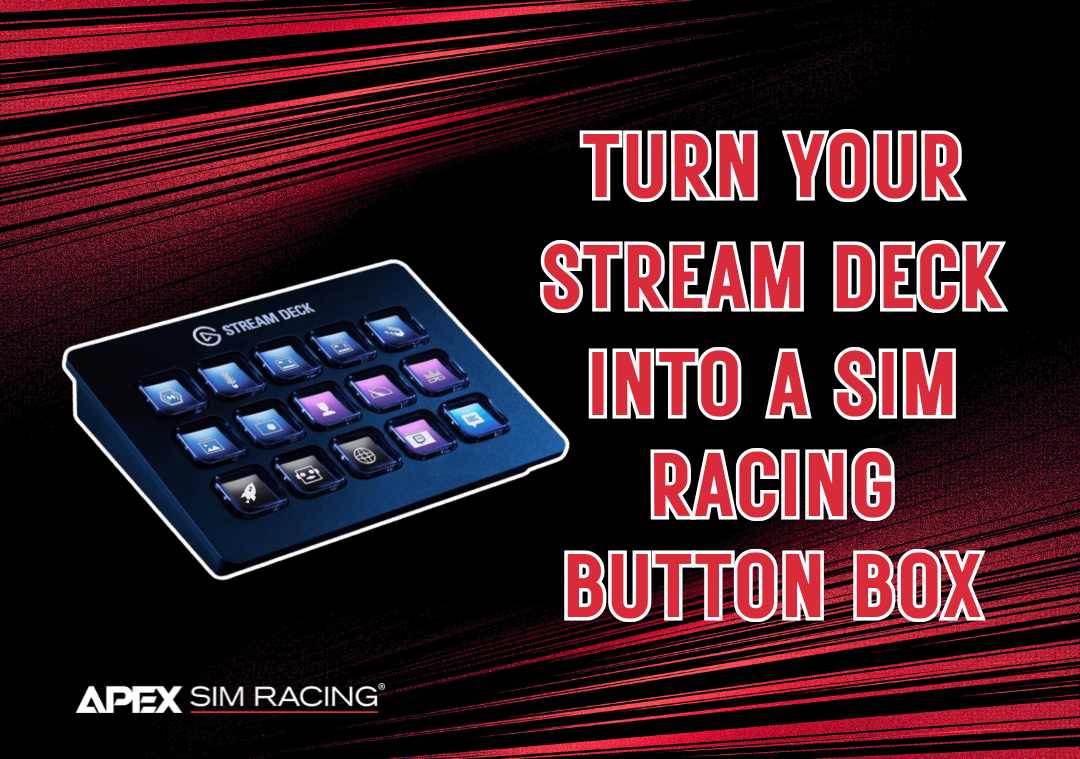
Turn your Elgato Stream Deck into a powerful Race Deck for iRacing with our step-by-step guide. By mapping iRacing hotkeys to custom buttons, you can control pit stops, black box data, and replays without ever reaching for the keyboard. This setup keeps you focused on driving while giving you the same functionality as a button box at a fraction of the cost. Plus, download our free sim racing icon pack to make your Race Deck both functional and professional!

Choosing between triple monitors and an ultrawide display can make a big difference in your sim racing experience. This guide breaks down field of view, performance demands, immersion, and setup requirements so you can decide which option best fits your space and racing style!